What it costs
Website redesign vs rebuild: which one does your site need?
A redesign changes how your site looks and reads. A rebuild replaces what it runs on. 5 signs to tell which one you need, what each risks, and what each costs.
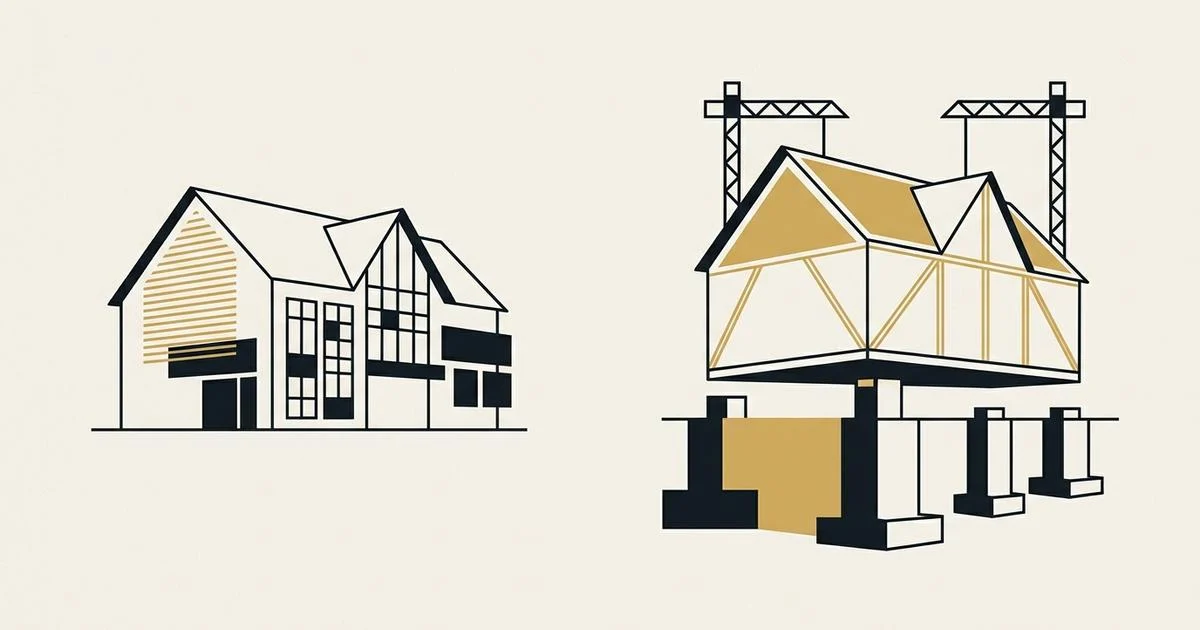
A redesign changes how your website looks and reads. A rebuild replaces what it runs on. Redesign when the site is fast, secure, and able to do the job customers need. Rebuild when any of those 3 fails.
Most owners already have a site to fix, not a blank page. 78% of Canadian small businesses have a company website (CFIB, December 2025). What it costs to fix one sits inside the ranges in our guide to how much a website costs in Canada.
Below are the 5 signs that decide it, a 30-minute test you can run on your own site, and what each path costs.
The short version
- Redesign if your site passes Google's 3 Core Web Vitals on mobile, runs on supported software, already takes the calls, quotes, or bookings you need, and you can keep it updated and edit it yourself.
- Rebuild if it fails any one of those. Only 48% of mobile websites passed all 3 Core Web Vitals in 2025 (HTTP Archive Web Almanac, January 2026).
- Plugins carried 91% of the 11,334 new WordPress vulnerabilities found in 2025 (Patchstack, February 2026).
- A rebuild protects your Google traffic when every old address gets a permanent 301 redirect, as Google's site move guide recommends. Expect a few weeks or more of movement.
What is the difference between a website redesign and a rebuild?
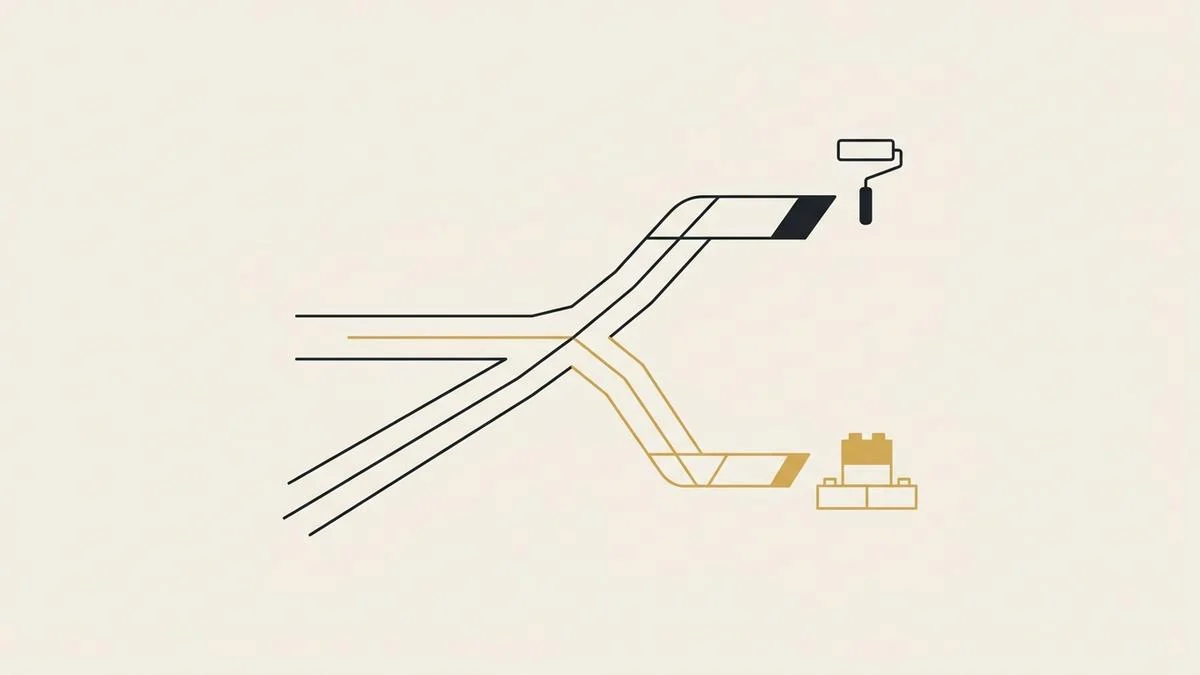
A redesign keeps the engine and changes the body. A rebuild replaces the engine, and usually the body with it.
In a redesign, the platform, hosting, and page addresses stay. The layout, colours, photos, headlines, and calls to action change. In a rebuild, the code or platform underneath is replaced, so speed, security, and features can change too.
| Redesign | Rebuild | |
|---|---|---|
| What changes | Layout, colours, fonts, photos, copy, buttons | The code or platform, plus everything a redesign changes |
| What stays | Platform, plugins, hosting, page addresses | Your domain, your content, and your Google history, if redirected |
| Fixes | A dated look, unclear offer, weak calls to action | Slow mobile pages, unsupported software, missing features |
| Does not fix | Speed, security, or a missing quote or booking flow | Unclear copy, unless the words are rewritten too |
| Main risk | Paying for a new look on a slow, unsafe base | Lost search traffic if old addresses are not redirected |
The trap is the redesign's main risk. A new theme on an old base looks better for a year, then the same speed and security problems send you back.
5 signs your site needs a rebuild, not a redesign
If one of these is true, a redesign will not fix it. Each one lives in the foundation, not the paint.
1. It fails Core Web Vitals on a phone
Google publishes 3 pass or fail thresholds: Largest Contentful Paint within 2.5 seconds, Interaction to Next Paint at 200 milliseconds or less, and Cumulative Layout Shift at 0.1 or less (web.dev). In plain terms: how fast the main content shows, how fast a tap responds, and how much the page jumps while loading. Most mobile sites miss at least one.
When the cause is a page builder's scripts or a stack of plugins, new colours will not move those numbers. The code has to get lighter, and that is a rebuild.
2. It runs on software that no longer gets security fixes
WordPress and most of its plugins run on PHP, a programming language with fixed support dates. Every PHP version up to 8.1 is past end of life, and 8.2 loses security support on 31 December 2026 (PHP.net, retrieved 2026-09-21).
If your host can move you to PHP 8.3 and the site still works, that is a setting, not a rebuild. When the theme or plugins break on a supported version, the foundation has to change.
3. It is built from plugins you cannot keep up with
WordPress powers 40.2% of all websites (W3Techs, retrieved 2026-09-21). Its weak point is not the core. It is the add-ons.
A site held together by 20 plugins needs 20 update cycles. When nobody runs them, the site gets less safe every month.
4. It has to do a job it was never built for
Quoting, booking, and selling are features, not colours. NetWow, a Montréal home cleaner, needed a site that shows a price in seconds and books the clean. Some businesses outgrow their channel entirely: RoRoses moved from Instagram messages to a real store with a bouquet builder and checkout.
5. You cannot change a price without calling someone
If a small edit breaks the layout or needs a developer every time, the structure is the problem. Fixing it means rebuilding the structure.
When a redesign is all your site needs
A redesign is enough when the base is sound and the problem is the message. Customers land, cannot tell what you do or how to reach you, and leave.
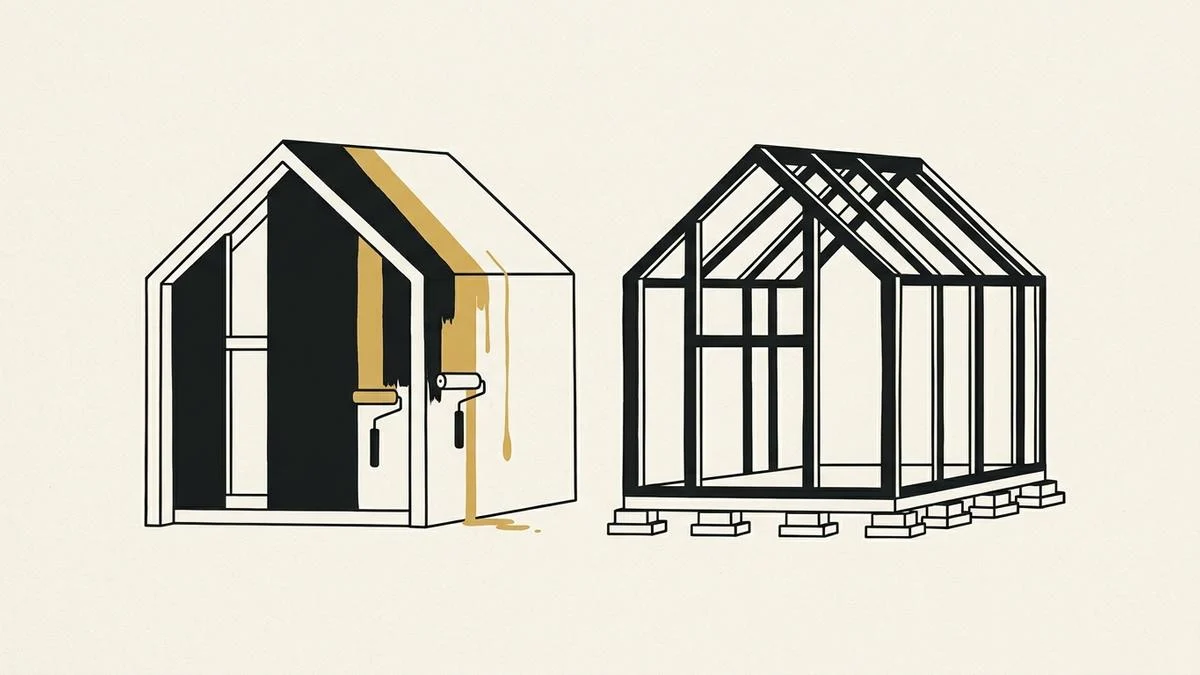
Typical redesign fixes:
- A headline that says the trade and the city, not a slogan.
- A phone button at the top of every page on mobile.
- Real photos of your crew and your work instead of stock images.
- One clear next step per page: call, get a quote, or book.
- Current prices, hours, and service areas, so nobody calls to ask.
None of these needs new code on a healthy site. They need someone to decide what the page is for.
How to check your own site in 30 minutes
Run these 5 steps on your phone and a laptop. By the end, you will know which side of the line your site is on.
On Wix, Squarespace, or Shopify, skip steps 2 and 3. The platform handles software updates, so speed and the job test decide it.
- Test speed. Enter your homepage and your busiest service page at PageSpeed Insights. Note whether each passes the Core Web Vitals assessment on mobile. If it shows no real-visitor data, check Largest Contentful Paint in the test results below it: over 2.5 seconds counts as a fail.
- Find the software version. Your host's control panel shows the PHP version. Anything at 8.2 or older is a rebuild flag if the site breaks after your host moves it to 8.3.
- Count the plugins. In a WordPress dashboard, open Plugins and count the active ones. Any active plugin not updated in the past 12 months is a rebuild flag.
- Try the job on your phone. Call, request a quote, or book, exactly as a customer would. Time how long it takes.
- List the pages that bring visits. Google Search Console, under Performance, shows which addresses earn clicks. Those addresses must survive any rebuild.
In Canada and the US, more than 4 in 10 web visits come from phones, which is why steps 1 and 4 run on a phone.
43.72% of web traffic in Canada (StatCounter) and 43.14% in the United States (StatCounter) came from mobile devices in August 2026.
If steps 1 to 4 all pass, redesign. If any fails, rebuild, and keep the list from step 5 close.
How to rebuild without losing your Google traffic
A rebuild protects your search traffic when every old address points to its new one. Google recommends permanent redirects, "such as 301 and 308", for any site move (Google Search Central, updated August 2026).
"With any significant change to a site, you may experience ranking fluctuations while Google recrawls and reindexes your site." (Google Search Central, August 2026)
Google adds that a medium-sized site can take "a few weeks or more" before the new addresses fully replace the old ones. 3 habits keep that window short:
- Keep the same addresses where you can. A page that does not move needs no redirect.
- Map every old address to a new one before launch, using the list from step 5.
- Keep the domain. Changing the design and the domain at the same time stacks a second risk on top of the first.
What a redesign and a rebuild cost
With most agencies, a redesign costs less than a rebuild because they reuse the old platform. We hand-code every site, so a redesign with us is built on new code either way.
That is why, at Samro Studios, a redesign costs the same as a new build. You get the speed and security of a rebuild at redesign prices. Price and hours changes are covered by the support included with every build, at a 24 to 48 hour pace.
| Plan | Price | What it covers |
|---|---|---|
| Growth site, one-time | $895 CAD, plus $20 CAD a month for hosting from 30 days after payment | A hand-coded site with quote or booking forms and support included |
| Online store, one-time | $1,795 CAD, plus $40 CAD a month for hosting from 30 days after payment | A real storefront with cart, checkout, and support included |
| Subscription | From $99 CAD a month, or $199 CAD for a store, on a 12-month term | The same build with hosting bundled in |
US businesses pay the same numerals in USD. Most builds go live in 2 to 3 weeks. You approve the finished site before launch, and everything paid is refundable up to that approval.
For the math behind agency quotes, read why web agencies quote so much for a website. For 5-year totals against Wix and Squarespace, see custom website vs template.
Frequently asked questions
Is a website redesign cheaper than a rebuild?
Usually, yes, when an agency reuses your old platform, because it skips the platform work. That saving disappears if the platform was the problem, since you pay again when speed or security fails. With us, a redesign costs the same as a new build, from $895 CAD, because every site is hand-coded from scratch.
Will rebuilding my website hurt my Google rankings?
Not for long, if it is done right. Google warns that rankings may fluctuate while it recrawls a changed site, and that the switch can take a few weeks or more. Permanent 301 redirects from every old address to its new one carry your search history across to the new pages.
How often should a small business redesign its website?
There is no fixed schedule worth trusting. Redesign when the offer, prices, or photos no longer match the business. Rebuild when the site fails Core Web Vitals on mobile, runs on unsupported software, or cannot take quotes or bookings. A 30-minute check once a year catches all 3.
Can I keep my domain and email when I rebuild?
Yes. The domain is yours, and a rebuild changes only where it points for the website. Email runs on separate records, so it keeps working when those records are left alone. Keeping the domain also keeps your Google history, which is the main reason not to change it during a rebuild.
How long does a website rebuild take?
Most of our builds go live in 2 to 3 weeks. The usual delay is missing copy and photos, not code. Plan the redirect map before launch, and expect Google to take a few weeks or more to fully swap in the new addresses.
Redesign or rebuild: the decision in one line
Run the 30-minute check. If your site passes speed, software, and the job test, redesign the message. If it fails any one, or you cannot keep its plugins updated or edit a price yourself, rebuild. Keep the domain and redirect every address.
To see the difference before you spend anything, the free 48-hour homepage redesign mocks up your new homepage, with 5 spots a month. More hand-coded builds for service businesses are in the portfolio. When you are ready for a number, tell us about your site and you get an exact quote back.
Sami Bdeira is the founder of Samro Studios, a Montréal studio that hand-codes bilingual websites and builds AI phone agents for Canadian service businesses.